Roads that are actually there
Draw the ranch roads and trails that ordinary maps leave out.
Map your private roads, gates, and destinations. Share a clearer way for guests, workers, and others you authorize to find their way around your property.

An address can get someone to the property. It can't tell them which private road reaches the cabin, which gate you call “north,” or where the back pasture starts.
You already know how the place works. Overpex gives you a way to put that knowledge on a map people can actually use.
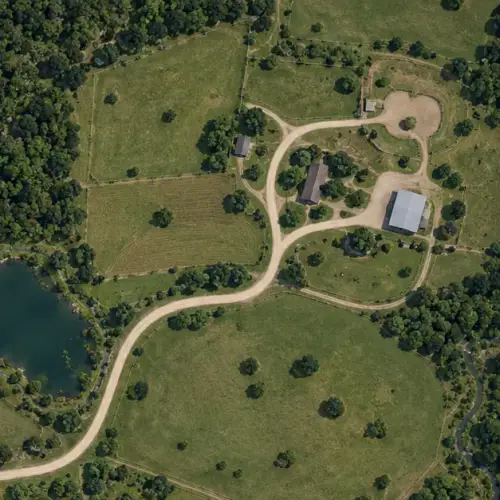
Add private roads, trails, gates, boundaries, and named destinations to the map.
Organize the details people need and use your road network to create directions across the property.
Send a read-only map to the guests, workers, or contractors you have authorized.
Build the map around the property—not the other way around.
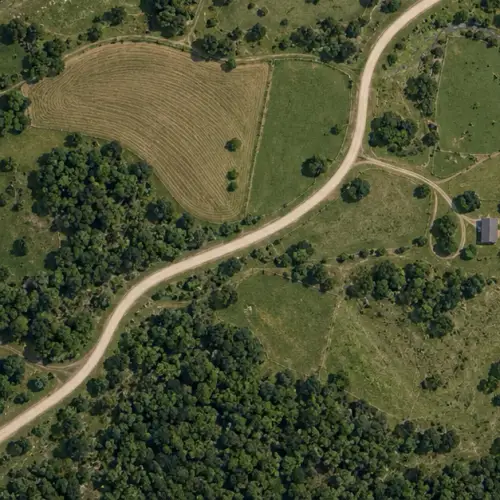
Draw the ranch roads and trails that ordinary maps leave out.
Mark the gates, fields, buildings, and destinations people need to find.
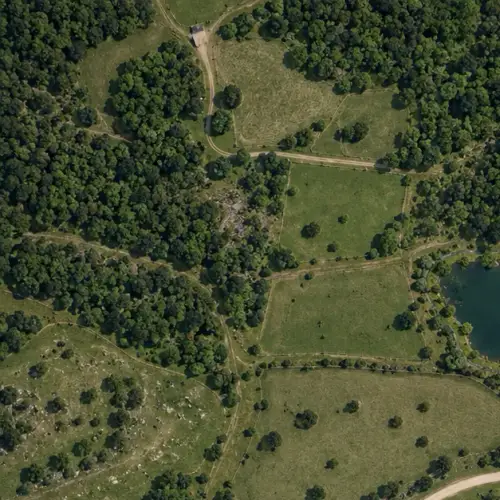
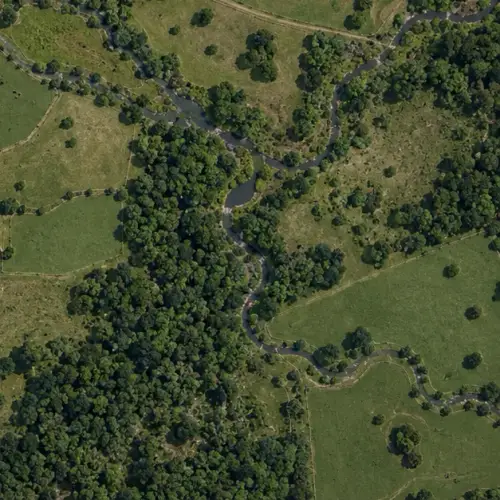
Use standard basemaps or add your own aerial imagery for more detail.
Publish a read-only map without handing over your editor or dashboard.
Pricing
Build as many maps as you want for yourself. When other people need them, the person who made the map pays. Everyone else opens it free.
Add the roads, trails, gates, boundaries, markers, areas, and destinations that matter on your property. You can also use your own aerial imagery when the standard map does not show enough detail.
Yes. Published maps can route along the road network you create, including driving and walking directions. The map owner is still responsible for access instructions and route information.
No. A map does not grant access to private property. Only share maps and routes with people you have authorized, and include any access rules they need to follow.
Making maps is free. Sharing them takes a 12-Pack, every map you own for a year ($21.95 for 2026), or a Tallboy, one map for 30 days ($2.99). The people you share with don’t pay.
No. You can share a read-only map without giving someone access to your dashboard or editing tools. Public and password-protected sharing are supported.
Start with the gate. Add the places people need to find.